First login
When you start Chaos Cypher for the first time, the UI redirects to /setup to run a three-step setup wizard.
What the wizard covers
| Step | What you configure |
|---|---|
| 1. Account | Username and password for the local operator account |
| 2. LLM Provider | Your LLM provider, model, and API key |
| 3. Embeddings | Embedding provider, model, and dimensions |
Steps 2 and 3 require an active network connection — they call auth-gated registry endpoints to fetch model presets.
Account rules
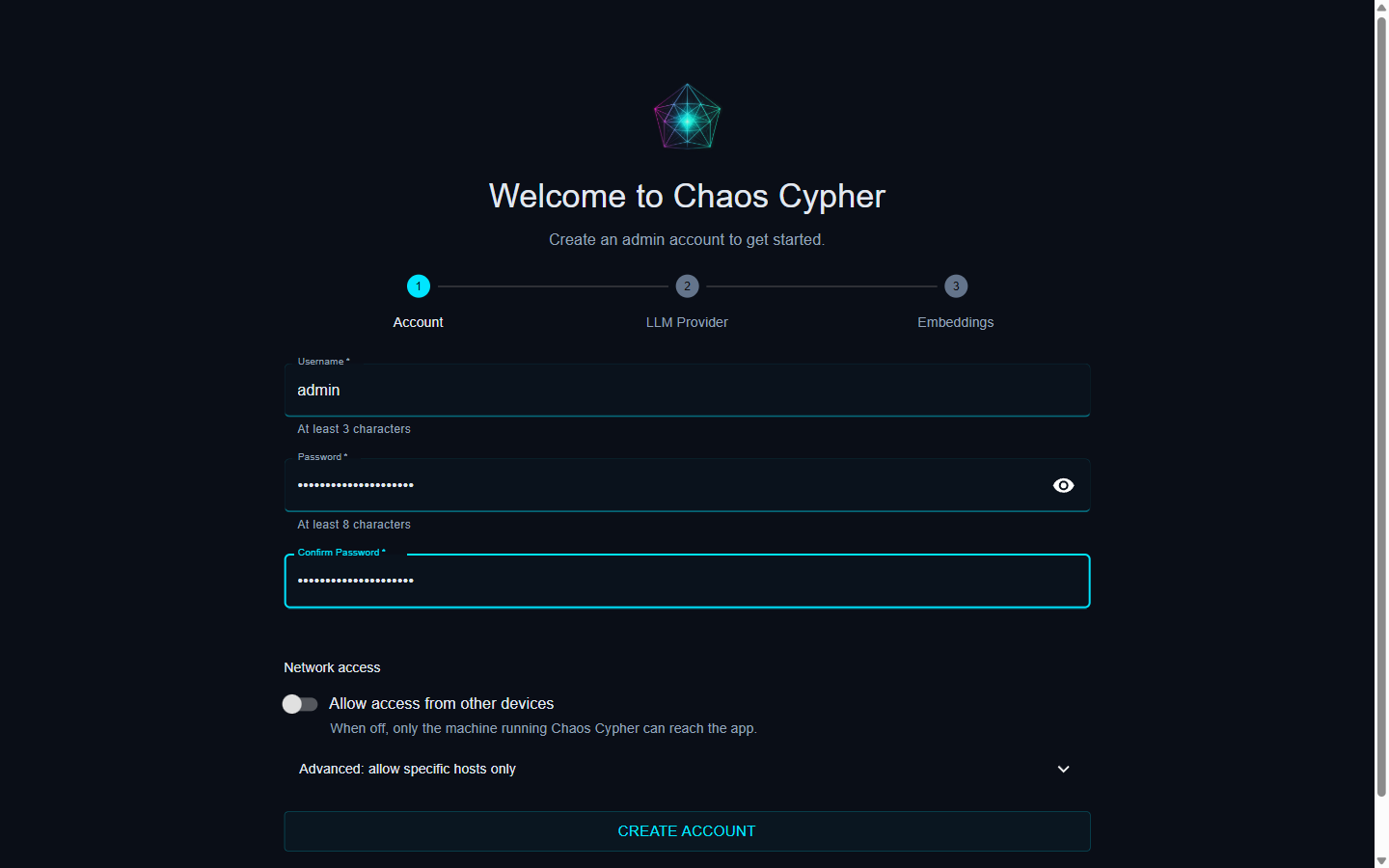
- Username — minimum 3 characters, maximum 64. Any string is valid.
Stored as the local operator identity; forwarded to every API request as
X-Auth-User. - Password — minimum 8 characters, maximum 128.
Hashed with bcrypt (12 rounds) and stored at
<data-dir>/credentials.json. There are no complexity requirements beyond length.
Steps
-
Open http://localhost (all-in-one) or http://localhost:3000 (dev).
-
The browser redirects to
/setup. -
Step 1 — Account: Enter a username and password (confirmed twice). Click Create Account. The credential is created immediately; steps 2 and 3 use auth-gated endpoints.
-
Step 2 — LLM Provider: Choose a provider and model. Click Continue. Test Connection verifies the provider is reachable before you commit to it — for Ollama inside Docker, the pre-filled
http://host.docker.internal:11434reaches an Ollama instance running on the host machine.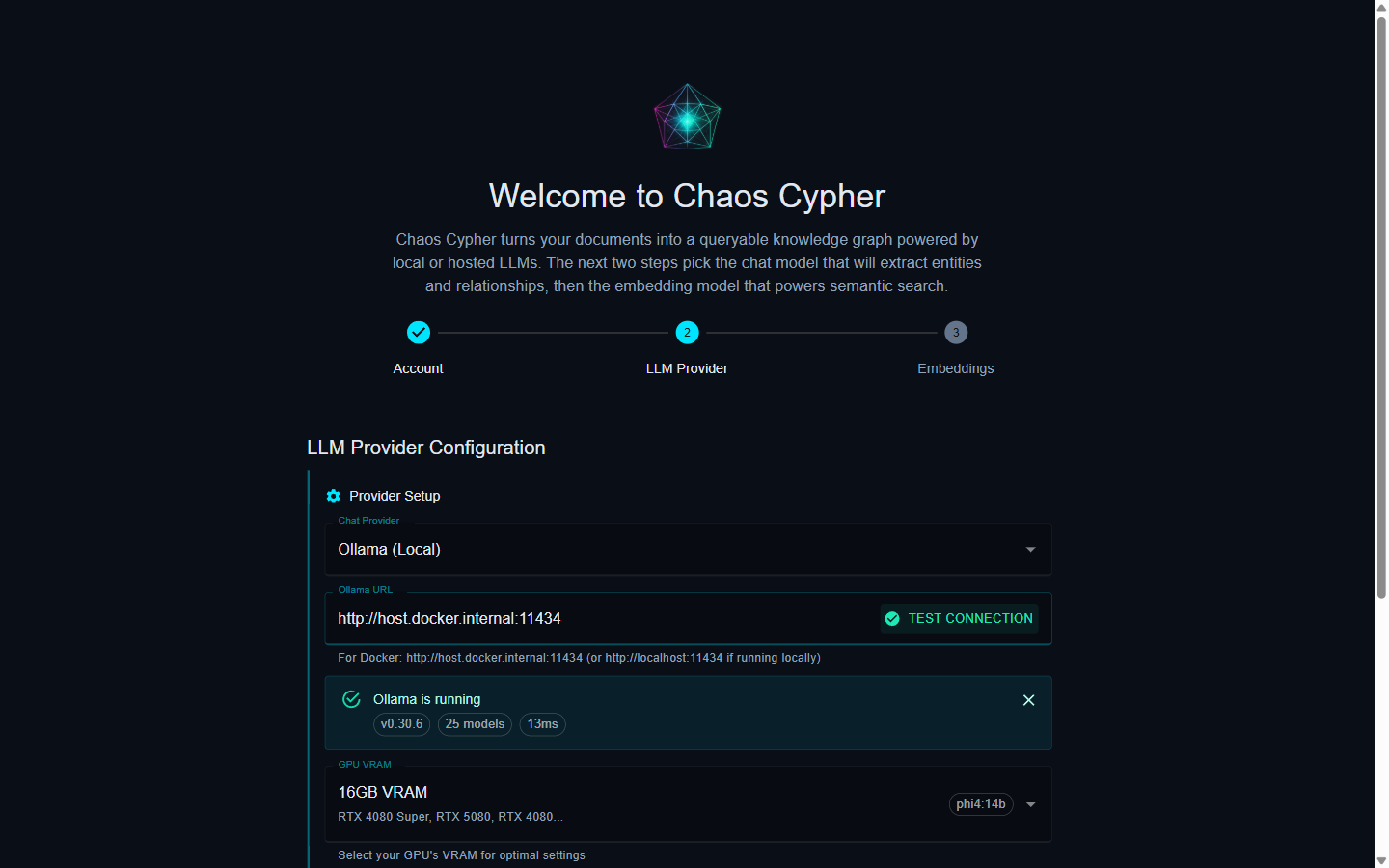
-
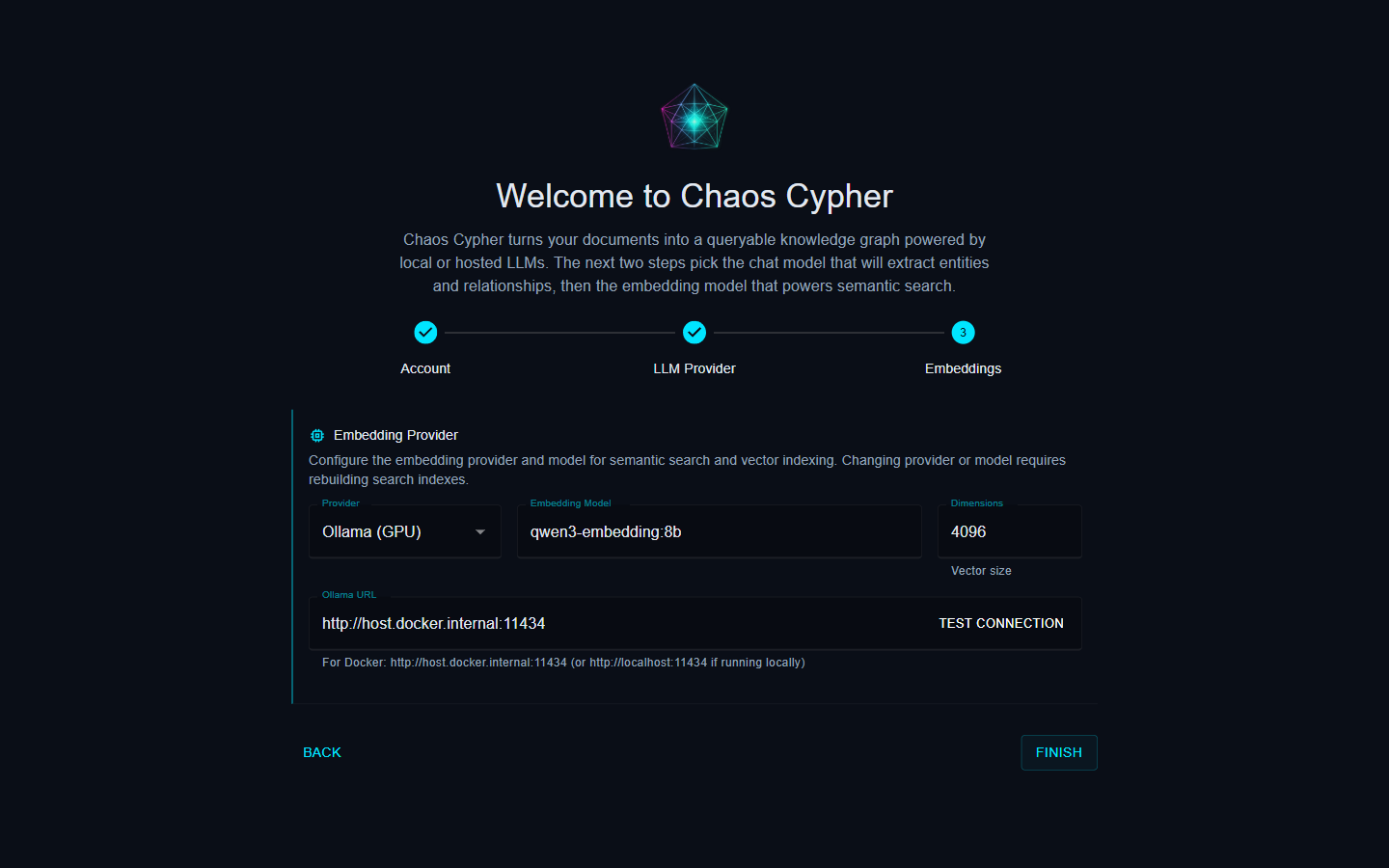
Step 3 — Embeddings: Choose an embedding provider and model. Click Finish.
-
You're redirected to the home page, signed in.
Logout
Click your username in the top-right and choose Log out. This invalidates every outstanding session cookie. To wipe the credential store entirely, see uninstalling.
Multi-device
Single-user model: one credential, used on every device. There is no per-device session beyond the browser cookie. Logging out from one device invalidates all sessions.
Forgot the password?
The bcrypt hash is irrecoverable. Recovery means deleting <data-dir>/credentials.json and navigating to /setup to re-run the wizard. Existing data (sources, graph, chats) is unaffected — only the credential file is removed.
Network exposure
By default, Cortex binds to 0.0.0.0 — see CHAOSCYPHER_BIND in configuration and the self-hosted threat model. For loopback-only, set CHAOSCYPHER_BIND=127.0.0.1.
By default, Cortex binds to 0.0.0.0. Read the self-hosted threat model before exposing the service beyond loopback.