Knowledge you can see, trust, and own
See
A real, navigable knowledge graph — not a black-box vector blob. Explore your whole corpus as a living map of entities and relationships.
Trust
Source-backed provenance, not “AI says so.” Follow any answer back to its sources — through the entities, relationships, and evidence that produced it.
Own
Self-hosted, with local embeddings — nothing leaves your machine by default. Export and share knowledge as portable Lexicon packages. No cloud lock-in.
See it in action
Watch the full tour, or step through each part below.
1Set up
2Add your sources
3Entities & relationships
4Explore the graph
5Ask & trace any answer
6Or drive it from the terminal
Core Intelligence
Knowledge Graph
See your knowledge. Extract entities and relationships from your documents and explore them on an interactive, inspectable graph canvas — typed, filterable, and zoomable from corpus overview down to a single entity and its sources.
Learn moreGraphRAG Search
Find answers from across your whole library. Fuses knowledge graph traversal with vector search using Personalized PageRank and Reciprocal Rank Fusion — plus keyword, semantic, and hybrid search modes.
Learn moreAI Chat with RAG
Ask questions and get cited answers grounded in your actual content — see exactly which sources and connections produced each answer, scoped to specific sources or the full database.
Learn moreData Foundation
Quality Analysis
Score the richness and completeness of your knowledge graph on a 0-100 scale. Detailed breakdowns by entity quality, relationship density, connectivity, and coverage — identify weak sources and guide improvement.
Learn moreLocal-First LLMs
Run fully local with Ollama — chat, extraction, and embeddings on your own hardware, nothing sent to a cloud. Or connect OpenAI, Anthropic, or Gemini with a single config change, and mix providers per operation.
Learn morePortable Knowledge Packages
Your knowledge base is a file, not a silo. Export sources, graph, citations, and settings as a single CCX package — back it up, move it between instances, or hand it to a teammate.
Learn moreAutomation & Integration
Automations
Build multi-step workflows with triggers, conditional logic, and a visual workflow builder. Execute automated knowledge extraction pipelines.
Learn moreMCP Server
Connect Claude Desktop, Cursor, ChatGPT, and other AI assistants directly to your knowledge graph via the Model Context Protocol. 31 tools for search, traversal, and graph building.
Learn morePlugin System
Extend Chaos Cypher with custom document loaders, extraction domains, and workflow tools. Drop a Python file into the plugins directory — no registration needed.
Learn moreLexicon Hub
Build once. Share anywhere.
Your knowledge is portable. Export any knowledge graph as a Lexicon package — sources, entities, relationships, and citations included — then load it into another instance or hand it to a teammate. And soon: share, fork, and discover packages with the community on Lexicon Hub.
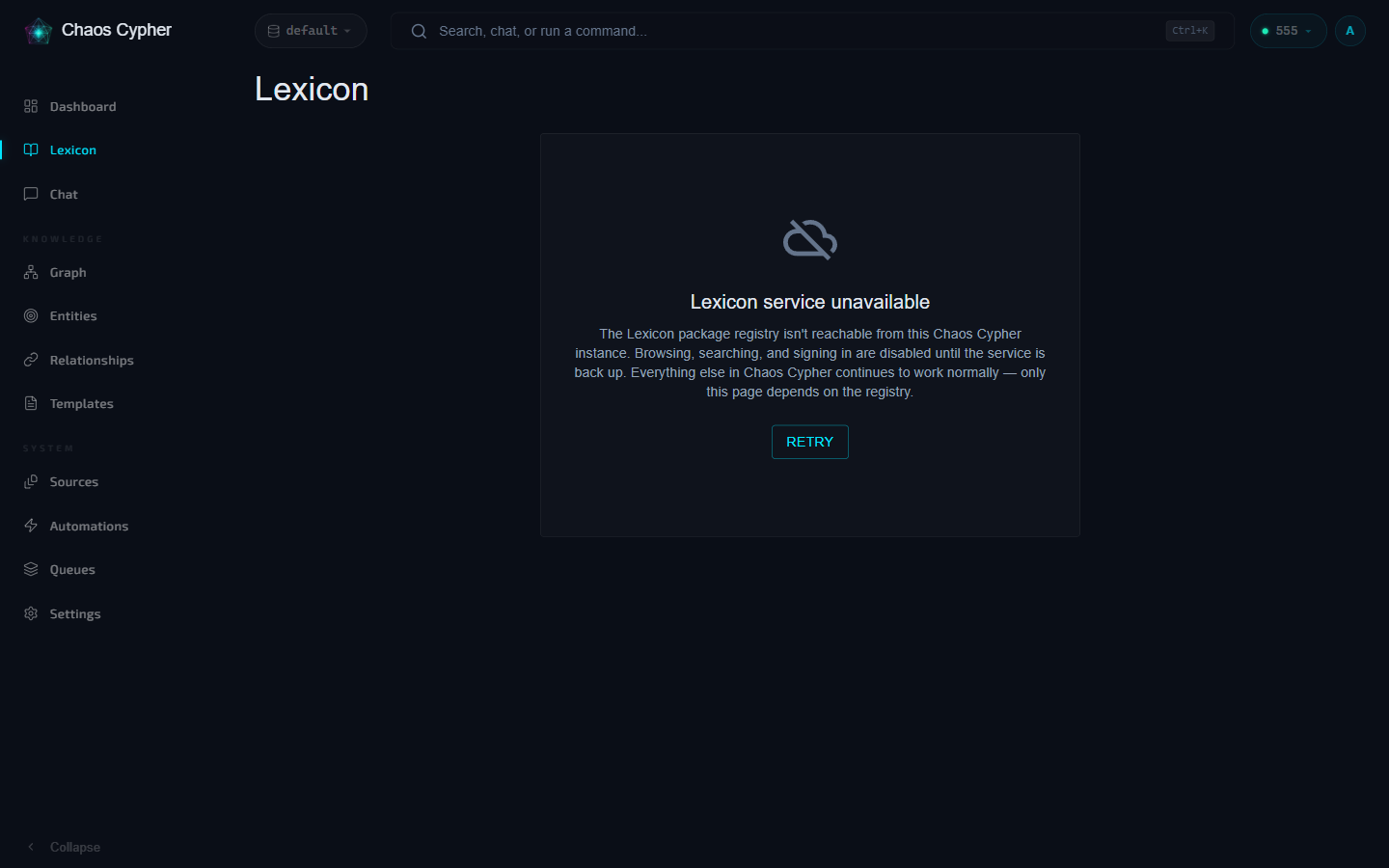 Coming soon
Get Started
Pick the path that fits how you work:
Docker
Full web UI — the complete command (named container, HTTPS-ready). The homepage one-liner is the quickest HTTP-only try.
docker run -d --name chaoscypher \
  -p 80:80 \
  -p 443:443 \
  -v chaoscypher-data:/data \
  ghcr.io/chaoscypherinc/chaoscypher:latest
Prefer Docker Compose?
Save as docker-compose.yml and run docker compose up -d:
name: chaoscypher
services:
  chaoscypher:
    image: ghcr.io/chaoscypherinc/chaoscypher:latest
    container_name: chaoscypher
    ports:
      - "80:80"
      - "443:443"
    volumes:
      - chaoscypher-data:/data
    restart: unless-stopped
volumes:
  chaoscypher-data:
- Web UI with graph canvas
- REST API + queue monitor
- Background workers
- HTTPS-ready out of the box
CLI
Terminal-first — process documents and query your graph from the shell
pipx install chaoscypher-cli
chaoscypher setup
chaoscypher source add paper.pdf
- Setup wizard for LLM config
- Add, search, and manage sources
- Graph and template operations
- Interactive chat sessions
Python Package
Integrate into your own code — extract, search, build graphs programmatically
from chaoscypher_core import ChaosCypher

result = ChaosCypher.extract_sync("paper.pdf")
print(result.model_dump_json(indent=2))
- Zero boilerplate, one-liner API
- Pydantic models throughout
- Sync and async interfaces
- Embeddable Engine class
Built for builders
A modular monorepo with a framework-agnostic Core — run it behind the API, inside workers, or embedded in your own scripts. Open source, local or cloud, no API keys needed to start.